

How to create your account
Creating an account takes about a minute: register, confirm your email, sign in. You need an account whether you are starting your own review or joining someone else’s as a reviewer.
Register
Section titled “Register”-
Go to app.littview.com/register.
-
Enter your Email Address and Full Name. Nickname is optional.
-
Choose a Password and repeat it under Confirm Password. It needs at least 8 characters with a lowercase letter, an uppercase letter, a number, and a special character — the checklist under the field ticks off each requirement as you type.
-
Complete the Verify you are human check under the form — it usually passes by itself with a green tick; if it shows a checkbox, click it.
-
Click Create account.
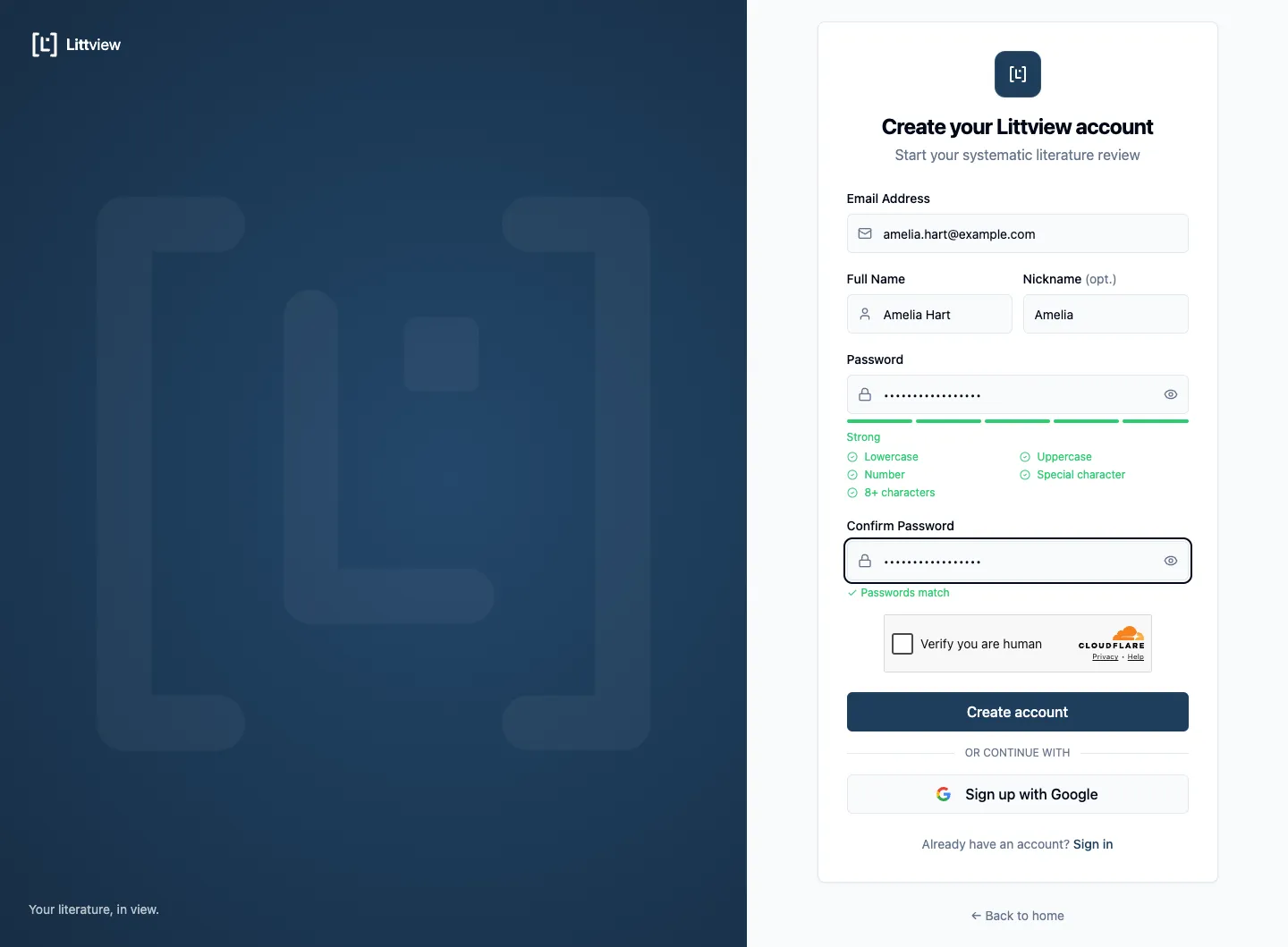
Prefer not to manage a password? Click Sign up with Google instead — you pick your Google account and land in Littview signed in, with no confirmation email to wait for. The rest of this article is only for accounts created with a password.
Confirm your email
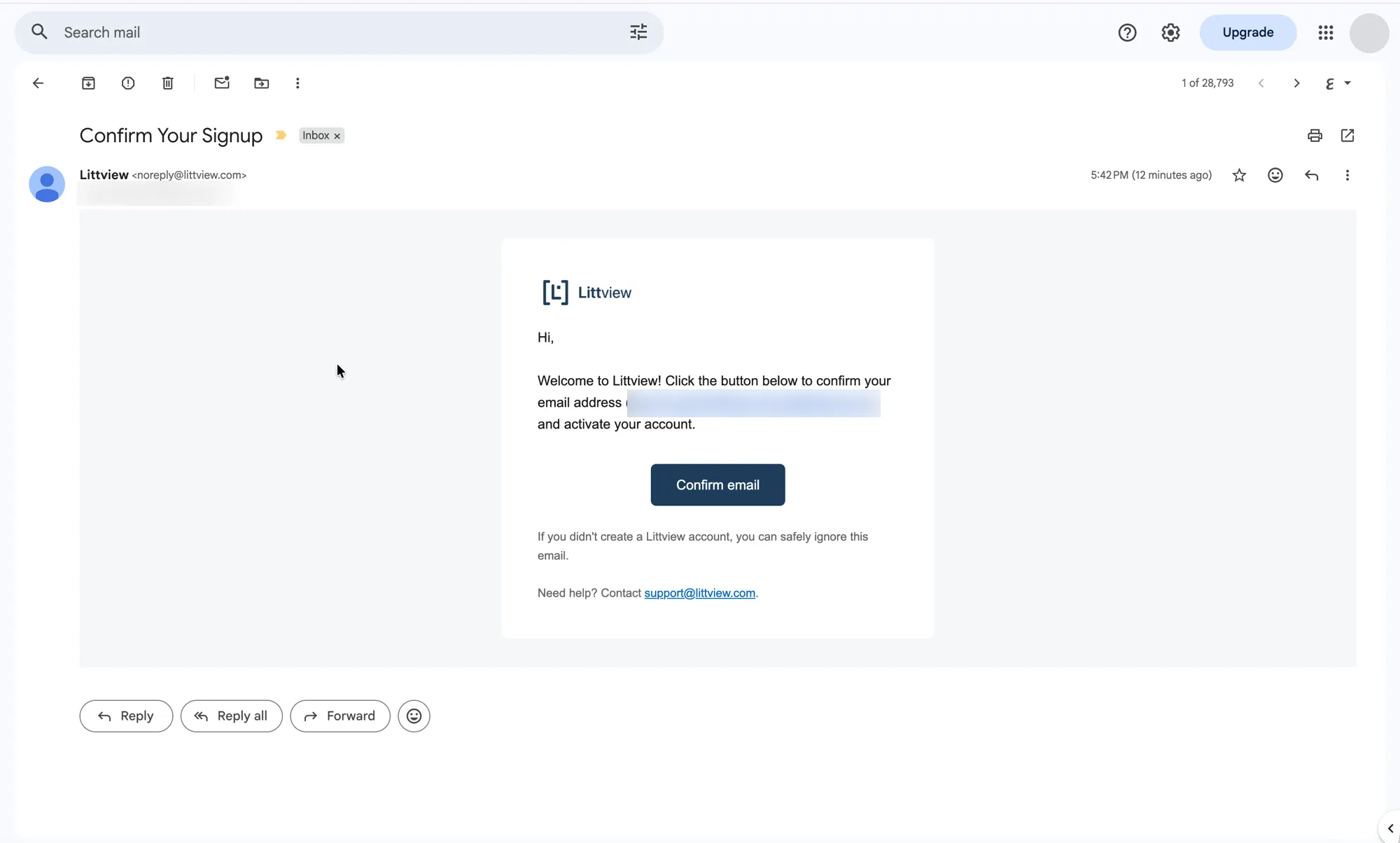
Section titled “Confirm your email”After you click Create account, Littview sends a confirmation link to your address and returns you to the sign-in page. Open the email and click the button in it.
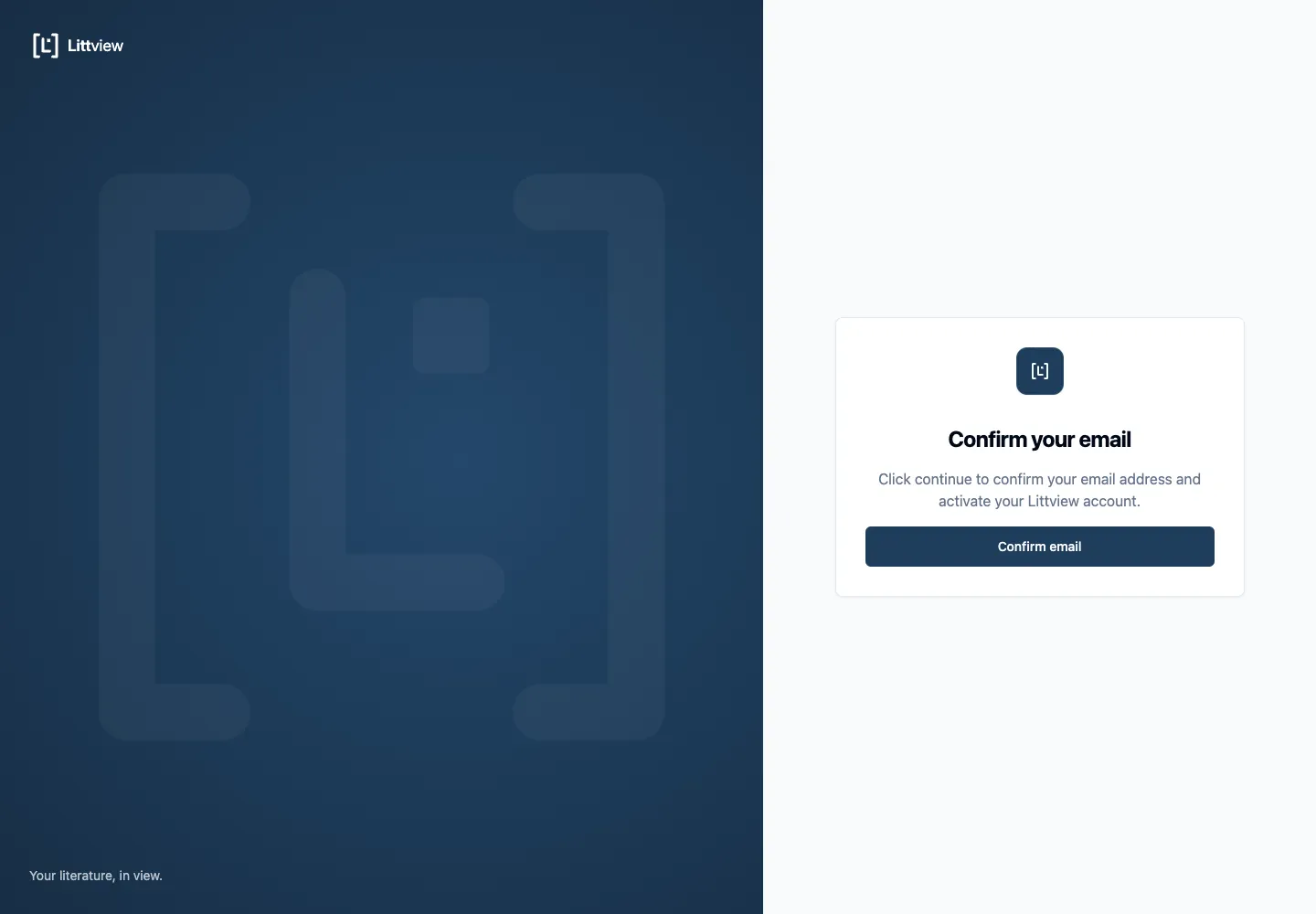
The link opens a page titled Confirm your email with a single button — press Confirm email to finish. (The extra press is deliberate: it stops email security scanners from silently using up your one-time link before you do.)
If the email doesn’t arrive
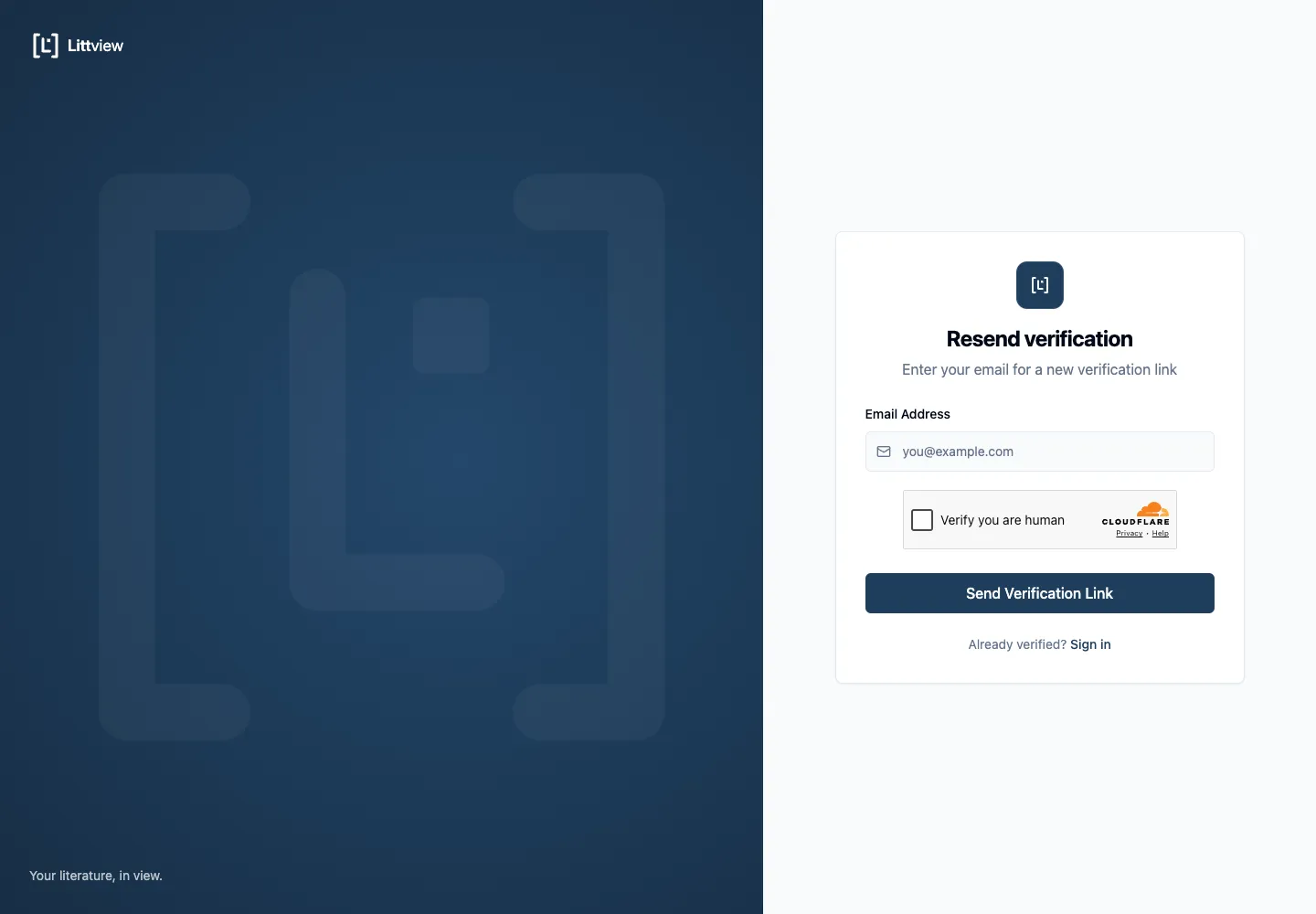
Section titled “If the email doesn’t arrive”Check your spam folder first. If it isn’t there, request a fresh link: go to app.littview.com/resend-verification, enter your Email Address, and click Send Verification Link. Each link is single-use, so if you see Link expired or invalid, request a new one the same way.
Sign in
Section titled “Sign in”Once your email is confirmed, sign in at app.littview.com/login with your email and password (or Sign in with Google if that’s how you registered). Forgot password? on the same page sends you a reset link.
From here, your next step is creating your first project — or, if you were invited to one, it’s already waiting on your Projects page.